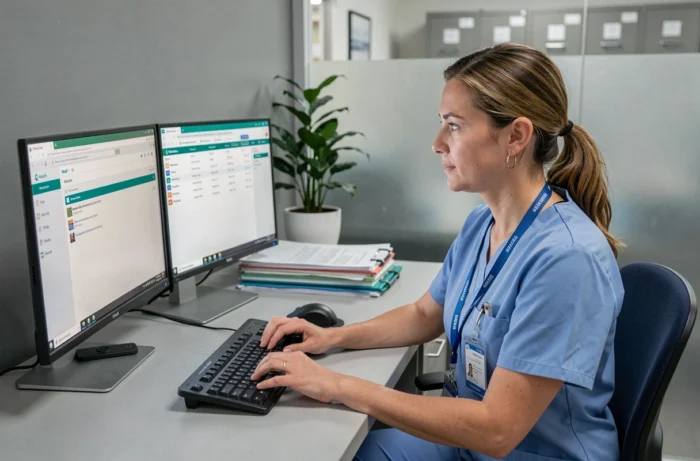
Access to the Montpellier University Hospital’s Outlook email relies on the Office 365 environment combined with strong authentication. For staff, the challenge is not logging in itself, but managing MFA methods and maintaining reliable access across different devices.
Office 365 MFA methods at the hospital: choosing and prioritizing your factors
Multifactor authentication (MFA) is the main safeguard for the staff portal. Not all methods are equally suitable in a hospital setting, where changing smartphones or leaving a device in a locker room can block access to email in the middle of a shift.
ANSSI points out that a verification code received by email is not sufficient if that same mailbox is used for account recovery. At the hospital, staff should use methods approved by the IT department, rather than defaulting to a personal choice.
The University of Montpellier recommends that users register at least two authentication methods to avoid being locked out when changing devices. This advice applies directly here: staff who have only one MFA method risk losing access completely if their phone breaks down. We recommend checking your registered methods before any extended on-call period.
Setting up the Montpellier University Hospital Outlook email involves using the MFA enrollment portal, accessible from the intranet or through the link provided by the IT department when the account is created.
- The Microsoft Authenticator app on a smartphone remains the most reliable option when working on the go, as it works without a mobile network connection using push notifications or temporary codes.
- SMS verification is a simple fallback, but depends on cellular coverage, which can be unreliable in some hospital buildings.
- A phone call is a third backup option, useful if the app stops responding and the SMS does not arrive.

Accessing Outlook from outside the hospital: VPN, webmail and unmanaged devices
Remote access to email works differently depending on the device being used. This distinction, often overlooked in general-purpose guides, can determine whether the connection succeeds.
On a device managed by the hospital (a work laptop or office desktop), Outlook access via Office 365 is seamless after MFA authentication. The browser and Outlook client are preconfigured to connect to the correct Microsoft Exchange tenant.
The situation is different on a personal device. ANSSI advises against using personal devices to access a healthcare facility’s internal resources without a VPN or a segregated environment. Outlook webmail (outlook.office365.com) is the most common access point for staff connecting from home, but it requires an up-to-date browser and no extensions that could block authentication redirects.
The Outlook desktop client can work on a personal PC, provided the Exchange profile is configured correctly. Incorrect incoming server settings can cause recurring synchronization errors, which are often mistaken for a password problem.
Healthcare data security and hospital email
Montpellier University Hospital is certified as a Health Data Host (HDS). This certification imposes requirements on the transmission and storage of messages containing patient information.
A work email at the hospital is not a trivial communication channel. Attachments containing identifiable patient data must comply with the encryption and traceability requirements set out under the HDS framework. Sending an unencrypted medical report to a personal Gmail address violates internal procedures, even if done with good intentions.
The Montpellier University Hospital intranet portal brings together reminders of best practices. Staff can find up-to-date guidance there on the types of files permitted as attachments and the procedures for reporting suspicious emails.
Anti-phishing: practical tips for staff
Phishing attempts targeting hospitals have increased in recent years. Staff rushing between patient appointments are ideal targets for emails impersonating IT department notifications.
- Check the full sender address (not just the display name) before clicking a “password reset” link.
- Never enter your hospital credentials on a page whose URL does not begin with the institution’s official domain or Microsoft’s domain.
- Report any suspicious message immediately using the IT department’s procedure rather than deleting it, as reporting helps block the campaign for all staff.
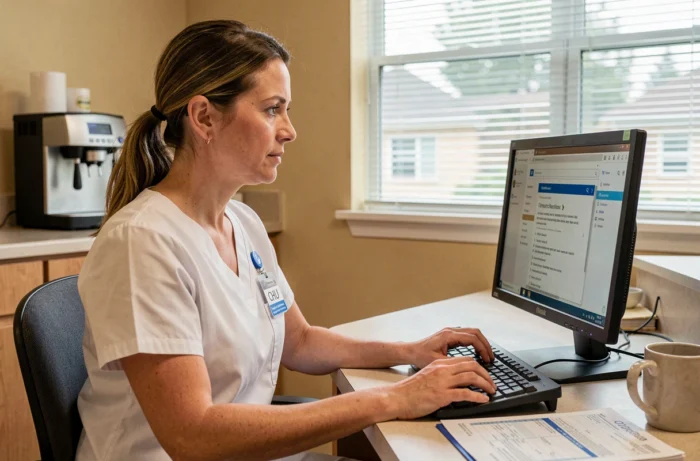
Quick troubleshooting for staff portal login errors
Most access issues with the hospital’s Outlook email are not caused by a server outage. They stem from three recurring causes that can be identified without help from the IT department.
A corrupted browser cache can block the Office 365 authentication loop. The typical symptom is a login page that keeps reloading without ever displaying the inbox. Clearing the browser cache and cookies, then trying again, is enough in most cases.
An expired password can trigger a misleading error message referring to a “server problem” rather than expired credentials. You can reset it through the dedicated portal, accessible from the hospital’s authentication page.
An outdated MFA method (an old phone number or an uninstalled app) prevents the second factor from being verified. In this case, only the hospital’s IT support team can reset MFA enrollment and register a new device.
Addressing these three issues resolves the vast majority of access problems. For persistent incidents, the hospital’s IT department can be reached via the intranet or by phone during business hours, with a ticketing system for tracking requests submitted outside those hours.